Curriculum review and course updates
Rob-in-Hood Digital — San Francisco
How Our Courses Are Built
Every track follows the same build process before it reaches your dashboard: we define the role it prepares you for, write the hands-on labs, put the material through a subject-matter review, and then update it on a fixed cycle as tools and job requirements move.
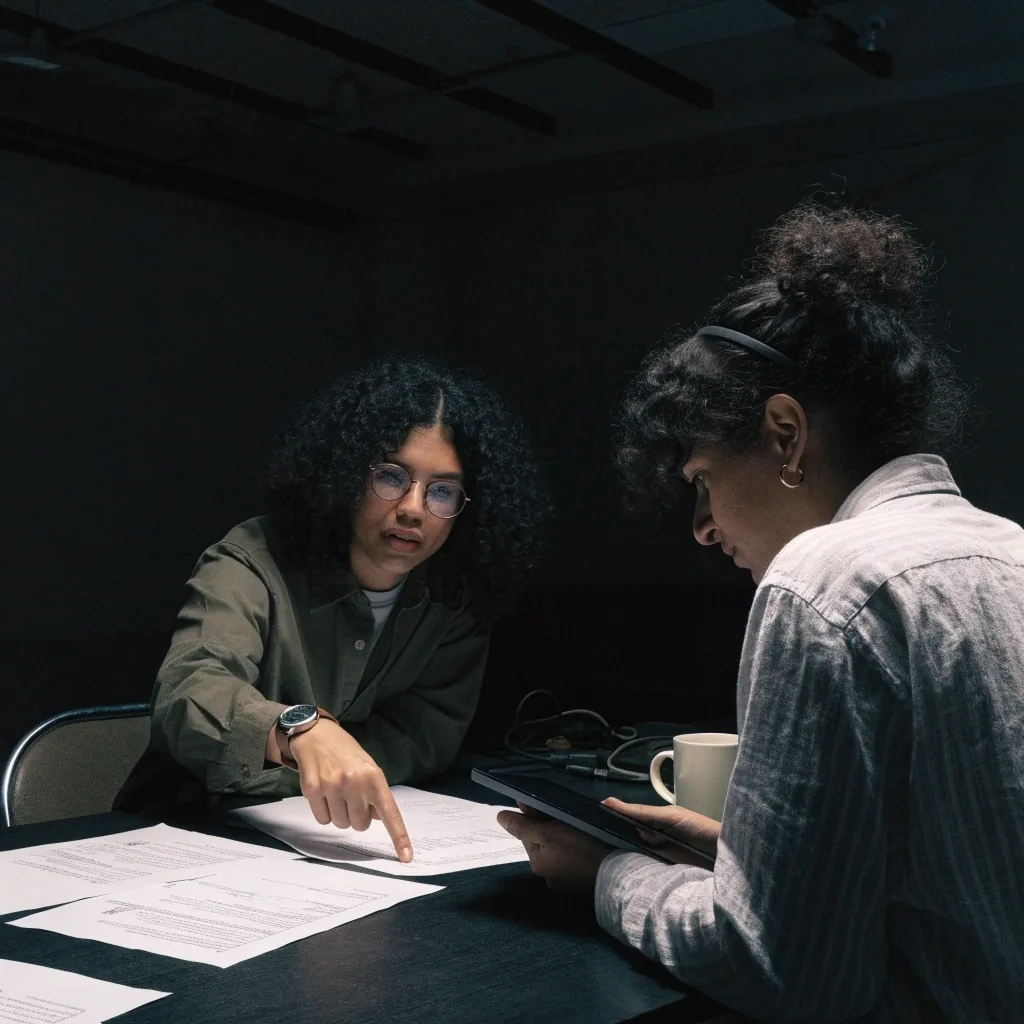
From job posting to finished lab
Six stages stand between an idea for a course and the version you can open on day one. Each one has an owner and a pass/fail question, so nothing moves forward on enthusiasm alone.
-
Role research
-
We start from what employers are actually asking for
Before a line of curriculum is written, we collect current job postings for the target role and mark the skills that repeat. A track only opens for development when a clear pattern shows up across postings for that title, and the pattern is recorded so we can revisit it later.
-
Learning path
-
The path is sequenced, not collected
Modules are ordered so each one assumes only what earlier modules taught. If a topic can be understood without a prerequisite, it gets pulled forward to shorten the path. If it cannot, the prerequisite gets its own module rather than a note telling you to look it up elsewhere.
-
Hands-on labs
-
Every concept earns a lab before it earns a slide
Reading about a tool and using it are different skills. Each module pairs its explanation with a task you perform on a working environment: configure the service, read the output, decide what to change next. Lab steps are written to be repeatable from a clean start so a mistake never strands you mid-course.
-
Subject review
-
A second practitioner reads it cold
Once the labs run end to end, a practitioner who did not write them works through the track from the beginning. Their job is to catch steps that only make sense to the author, commands that assume a setup we never provided, and explanations that skip the reason behind a decision.
-
Tooling check
-
Versions are pinned, then tracked
Labs name the versions they were tested against. When a tool changes enough that a step stops working, the lab is rewritten rather than patched with a note, and the change is logged so we know which modules are affected the next time that tool moves.
-
Release
-
What you see is the reviewed version
A track is published only after the review notes are closed. From then on, every change to a module runs through the same checks, so the version in your dashboard is the version that passed review — not a working draft that happens to be visible.
Review in practice
A course update starts with someone failing the lab
We watch for the same signals in learner questions and support threads: a step that gets skipped, a concept that gets asked about twice, a command that behaves differently on a newer version. Any of those opens a review, and the module is fixed at the source instead of being answered in a comment.
Corrections move through the same reviewer who passed the module the first time. That keeps one voice on the track and keeps the change history readable when we look back at what shifted between releases.
Courses are revisited, not frozen
A course that was accurate when it launched does not stay accurate on its own. Tools ship new versions, teams change how they work, and the questions learners bring to a track shift with the job market behind them.
So we schedule review instead of waiting for a complaint. Each track carries a review date, and the cycle shortens for modules built on tools that change quickly. When something in a module no longer matches the tool it teaches, the module is corrected before the next cohort reaches it.
What gets checked on every pass
-
Do the labs still run end to end on a clean environment?
-
Do the pinned tool versions still match what teams use?
-
Does the module order still reflect how the work is learned?
-
Do the stated role outcomes still match the postings we track?
-
Are the review notes from the last pass fully closed?
What you can check before enrolling
You should not have to take course quality on faith. Each track page lists the same set of facts, and these are the ones worth reading first.
Track page
Module list and order
Read the sequence top to bottom and check that it moves from fundamentals to the work you want to do. If a module looks out of place, ask us why it sits there before you enroll.
Track page
Time and format
Each track states how long it is designed to take and how much of that is hands-on lab time versus guided reading. Compare that against the hours you can realistically give a week.
On request
The full syllabus
If you need the module-by-module breakdown with learning objectives before committing, ask for it. We send the same outline the review process works from.

Who writes, and who signs off
Courses are written by people who use the tools in their working day, not by a content team rewriting documentation. A track typically has one writer for the lab sequence and one reviewer from a different background, so the explanation has to survive a reader who did not build it.
Sign-off sits with the curriculum lead, who checks three things: that the labs run, that the sequence holds, and that the module outcomes match the role the track points at. If any of those is unclear, the module goes back to the writer rather than shipping with a caveat.
Labs written by working practitioners
Independent read-through by a second reviewer
Curriculum lead closes every review note before release
Questions before you enroll
If something about the build process is not clear here, ask us directly — the answer is usually shorter than the question.
Ask about a track
How often is a course actually updated?
Every track carries a scheduled review date, and modules built on fast-moving tools are reviewed on a shorter cycle than the rest. On top of that, a module can be pulled into review at any time if learner questions or a lab failure show that something has drifted.
What happens to a course I have already started?
Corrected modules appear in the track as they are released. If a lab you already completed changes in a way that matters, the track notes the change so you can decide whether to revisit that module. Nothing you have finished is removed from your record.
Do I need experience before starting a track?
It depends on the track. Some begin at fundamentals and assume only that you can use a computer confidently; others expect you to be comfortable with the material in an earlier track. Each track page states what it assumes, and the contact page is the fastest way to check whether your background fits.
Can I see the syllabus before I decide?
Yes. Ask for the syllabus for the track you are considering and we will send the module breakdown with its learning objectives. It is the same outline the review process works from, so you are reading what the course is actually built against.
Read the track before you commit to it
Start with the track that matches the role you are aiming at, check its module list and time commitment, and ask for the full syllabus if you want the detail. If you are not sure which track fits your background, tell us where you are starting from and we will point you at the closest match.